
The Easy Way for Expats to Get Their Constancia de Situación Fiscal Online

The SAT only accepts a valid immigration residency card as identification for foreigners.
IMPORTANT TO CONSIDER:
Have a photo of the residency card (front).
Have a photo of the residency card (back).
The app allows you to request the certificate to be sent monthly to the provided email address.
When recording the video, you must also record both sides of the ID (holding it next to your face while saying the phrase). If this is not done, the SAT bot will automatically reject the application.
I completed the process today, and in less than 10 minutes, the bot sent my certificate to my email.
Before the meeting, you will need the following information:
• RFC number
• Email address
• Mobile phone number
• Photo of your resident card (front)
• Photo of your resident card (back)
• Or scanned file of your resident card from both sides in 1 page
Open this link - https://satid.sat.gob.mx/
Select “proof of tax status with CIF” In case you want your “Constancia de situación fiscal” receipt.

The process is in according to these steps:

Click on GET STARTED.

Click to CONTINUE:

Accept the terms and conditions.
Click on CONTINUE.

Write to your RFC and EMAIL address
Click on “I need to receive my certificate of tax situation… on a regular basis”. You will receive information in the email address provided (monthly).
Click on CONTINUE

Write the text in the image
Click on CONTINUE

You will receive a code by email, type it in and press the continuing button.

Upload your resident card photos for both sides (front and back)

Once you upload the photo of both sides from your resident card, click on NEXT

The system will verify your identity.
To validate your identity, it is necessary to record a video focusing on the face, likewise, during the recording of the video you must mention the phrase shown in the screen:


Say the phrase loud and clear.
Turn on your camera and record the video. IMPORTANT – Show your resident card for both sides in front of the camera at the same time you are saying the phrase.
Once this is done, click on CONTINUE.

You will see the following information:

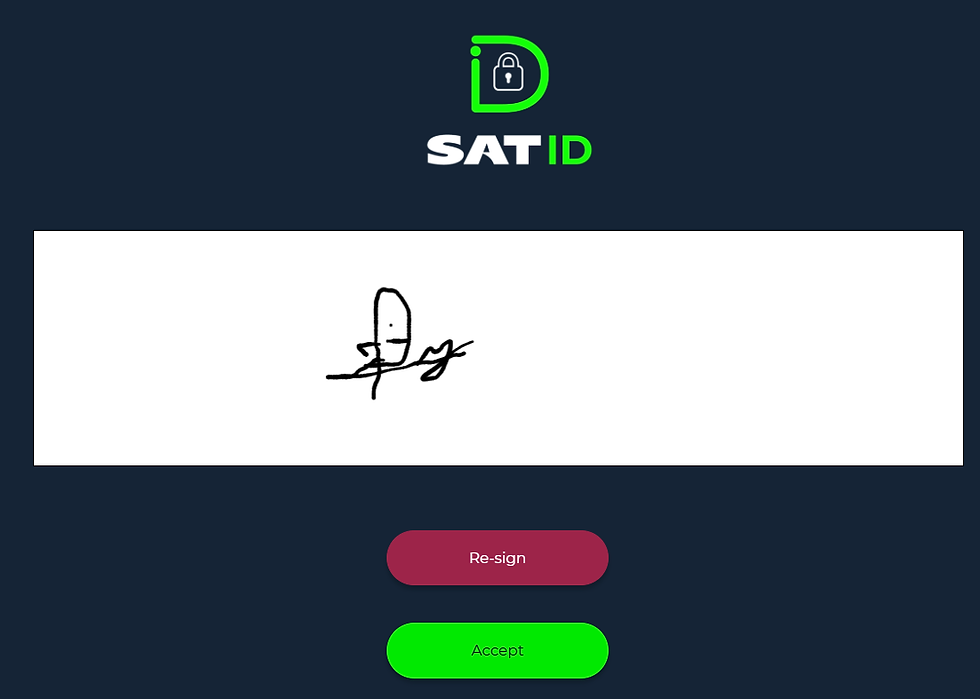
Sign the application like your ID provided.
You can use your mouse if you do the process in your laptop.
You can use your finger if you do the process in your cell phone.

Once you sign it, click on ACCEPT
The final step will show you the folio number and you can download the PDF acknowledgement of the process.
You will receive the SAT´s answer no later than 5 business days.

You're all set! You will receive your certificate via email shortly. For any questions or if you need accounting and/or tax advice, call or email us to: info@cadenaadvisors.com
Dulce X. Valenzo Cuevas
Asesor Contable Senior


Comments